
Helpful to My Work
This converter saved a lot of time and effort for me. With simple drag and drop, I successfully converted PDF to PPT. The conversion speed was very impressive.
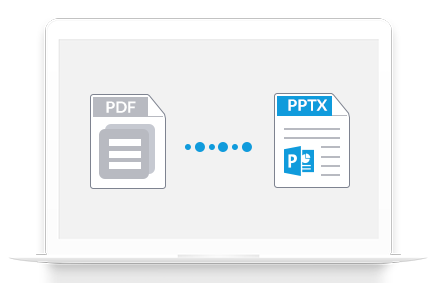
Wondershare PDF to PowerPoint Converter for Mac is the best PDF tool for Mac users to quickly and efficiently convert PDF files to PowerPoint presentation files with the original text, images, graphics, and hyperlinks greatly preserved.
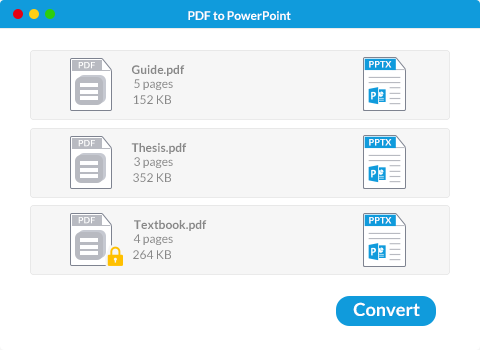
For PDF files that are protected from copying, editing, and printing with permission password, PDF to PowerPoint Converter for Mac can convert them to PowerPoint directly without the password.
*For PDF files that are protected with open password, you’re required to enter the right password to convert them.
You can add, remove, or change the order for conversion by dragging and dropping. Only in 3 steps, you will successfully convert PDF to PPT.
This converter saved a lot of time and effort for me. With simple drag and drop, I successfully converted PDF to PPT. The conversion speed was very impressive.

PDF to PowerPoint Converter for Mac is an amazing tool, which allows me to upload dozens of files for batch conversion. I’m very satisfied with the results.


Disponível no Windows, Mac, iOS & Android.
Teste Grátis Teste Grátis Teste Grátis Preços Preços Preços